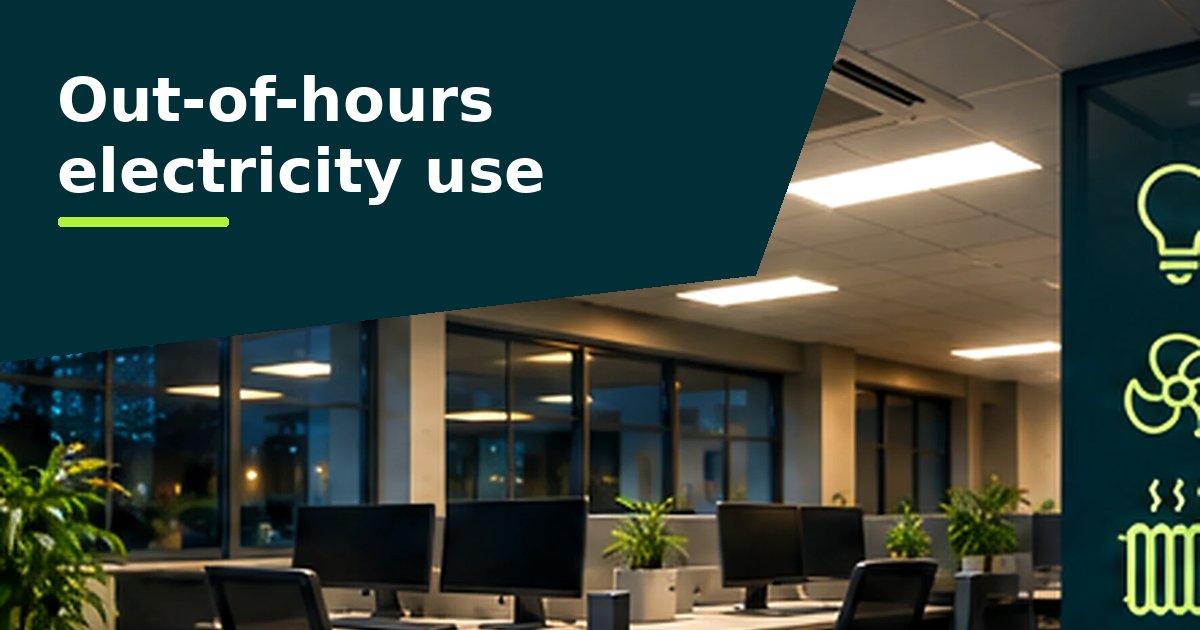
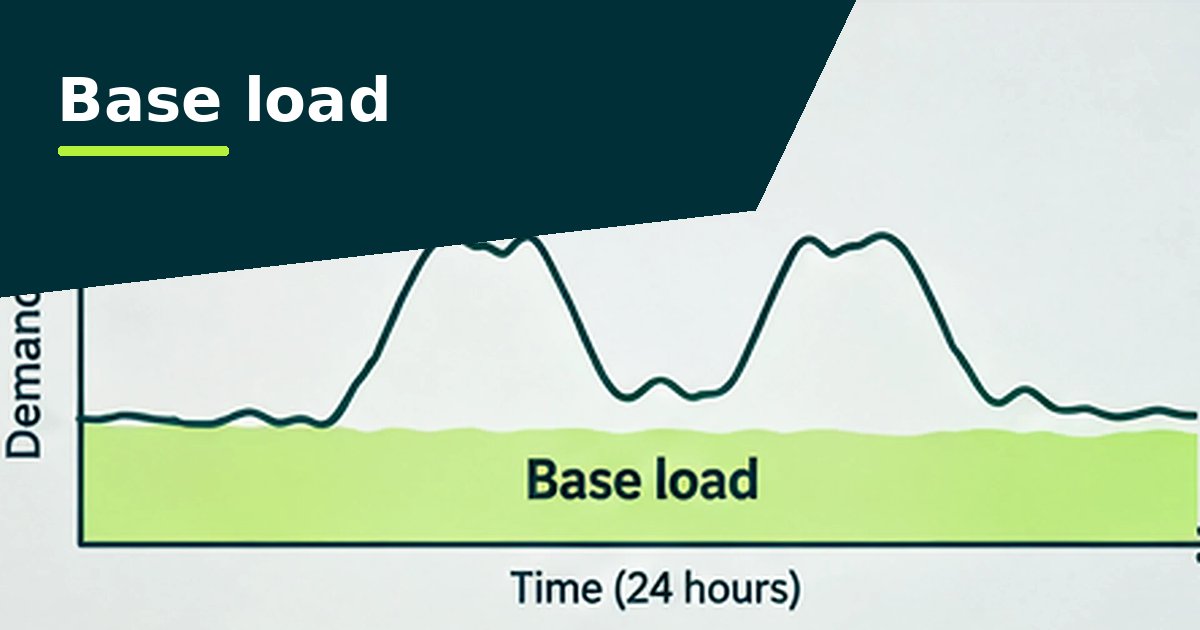
During holidays, weekends and evenings, use should be close to the base load. Schools differ from offices mainly in the length of their holidays, so enter the term dates in the calendar before anything else.

What to check first
- Heating and ventilation running through holidays, especially half terms
- IT suites, servers and interactive screens left on overnight
- Kitchen equipment and water heaters left on during holidays
- Evening lettings that run the whole building for one hall or pitch
- Pool or sports hall equipment on the same schedule as the main building
Setting the opening hours
Enter each holiday as a closure, and any regular evening lettings as open hours. The out-of-hours figures will then reflect what the school can actually control.
Use these as a starting point. Each site is compared with its own calendar, so getting the hours right matters more than the type of building.
How does your building compare?
To see whether a site's total use is high for its type, compare its kWh per square metre with the government survey ranges in our electricity benchmarks by sector. Then use the half-hourly pattern to find out why. Questions about the analyser itself are answered in the FAQ.
Thinking about solar panels? The analyser's Capacity tab shows how much of a system's output a building like this would use itself, and the UK Solar Calculator works out the cost and payback. See sizing solar from half-hourly data.
Questions people ask
Should holiday use be zero?
No. The base load carries on (IT, fridges, security). Holiday use above the base load is what to look at.
How do I handle evening lettings?
Enter them in the calendar as open hours so they don't count as out-of-hours use. Then check whether the letting really needs the whole building heated and lit.