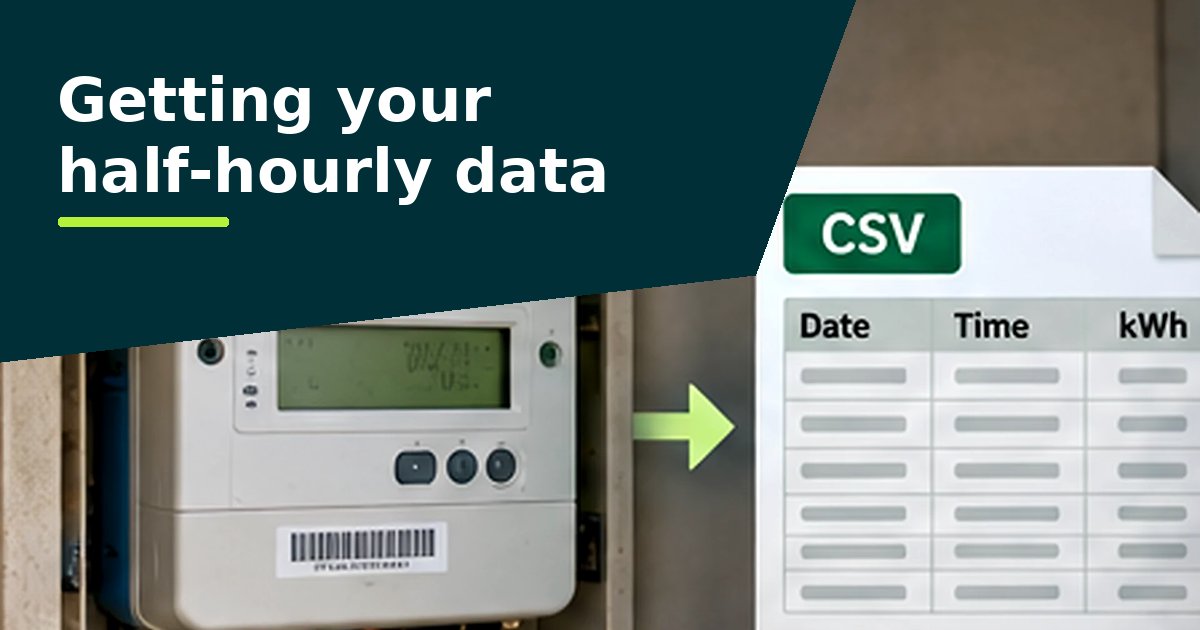
EDF's larger business customers can download half-hourly data from the MyBusiness portal. Its Data Export tool exports up to a year of half-hourly data for up to 20 meters at a time, as a CSV or Excel file. Smaller business customers see their use in Energy Hub, part of MyAccount, once their smart meter data preference is set to half-hourly.1,2
Larger businesses: MyBusiness
EDF says MyBusiness lets you view and download smart meter consumption data "from as recently as 3 days ago".1 There are two tools:
- Data Analysis, in the sidebar, shows the data for up to four MPANs at once. You can choose a line or bar chart, change the granularity, set a date range of up to a year and choose which meters to show.
- Data Export, an option under Data Analysis, exports up to 350,000 records at a time. EDF says that is equivalent to a year of half-hourly data for up to 20 MPANs. You choose the sites from a list and download the data directly to CSV or Excel.
For the analyser, export one file per meter where you can, so each site appears separately.
Smaller businesses: Energy Hub and your data preference
EDF says smart meters can send readings monthly, weekly, daily or every half hour, depending on your data preference. If you don't choose, it defaults to half-hourly, with the option to opt out within seven days.2
You can check or change the preference in MyAccount under "smart meter data preference", or by calling, emailing or texting EDF.2 With the preference set to half-hourly, Energy Hub, a dashboard in MyAccount, shows your consumption in more detail.2,3
EDF's public pages don't say whether Energy Hub lets you download half-hourly readings as a file. If it doesn't, ask EDF for the file under the rules below.
Your right to the data
Since 1 December 2022, business customers with a smart or advanced (AMR) meter, and anyone they nominate, can ask their supplier for up to 12 months of their historic smart meter data, free of charge and in a machine-readable format. The supplier must reply within 10 working days, either giving access or explaining why not and what to do next.4
So even if an online portal doesn't give you what you need, you can ask for the file directly.
What to ask for
Ask for the half-hourly consumption data (kWh) for each meter, covering the last 12 months, as an Excel or CSV file. Quote each meter's MPAN, the supply number on your bill. Our guide to getting your data has a wording you can copy and a letter template (Word).
Check that the file has 48 readings for each day. A file of daily or monthly totals can't show the overnight and weekend patterns the analyser looks for.
Guides for other suppliers: British Gas Business, E.ON Next, npower Business Solutions, TotalEnergies Gas & Power.
Sources
- EDF: Smart meter data for large business customers
- EDF: Data is power: unlocking the power of half-hourly smart energy data (2 January 2025)
- EDF: Small business online account management
- Department for Business, Energy and Industrial Strategy: Maximising non-domestic smart meter consumer benefits, supporting industry guidance (June 2022)
Questions people ask
How many meters can I export from EDF at once?
EDF says MyBusiness Data Export handles up to 350,000 records at a time, equivalent to a year of half-hourly data for up to 20 MPANs.
Why can't I see half-hourly data in Energy Hub?
Your smart meter data preference may be set to monthly, weekly or daily. EDF says you can change it in MyAccount under "smart meter data preference".
How recent is the data in MyBusiness?
EDF says you can view and download consumption data from as recently as three days ago.