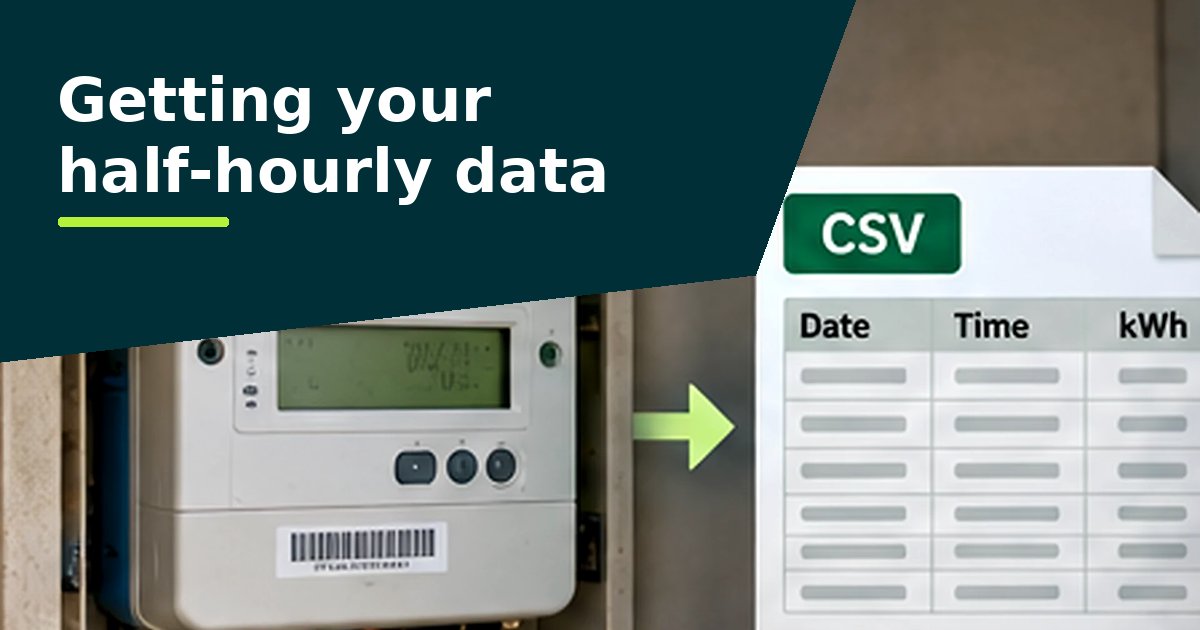
E.ON Next doesn't describe a self-service download of half-hourly data for business customers on its public website. The simplest route is to ask for the file: if you have a smart or advanced meter, you're entitled to up to 12 months of data free of charge, with a reply within 10 working days.2
What E.ON Next says about half-hourly meters
- Half-hourly meters use automated meter reading (AMR) to record consumption every 30 minutes.1
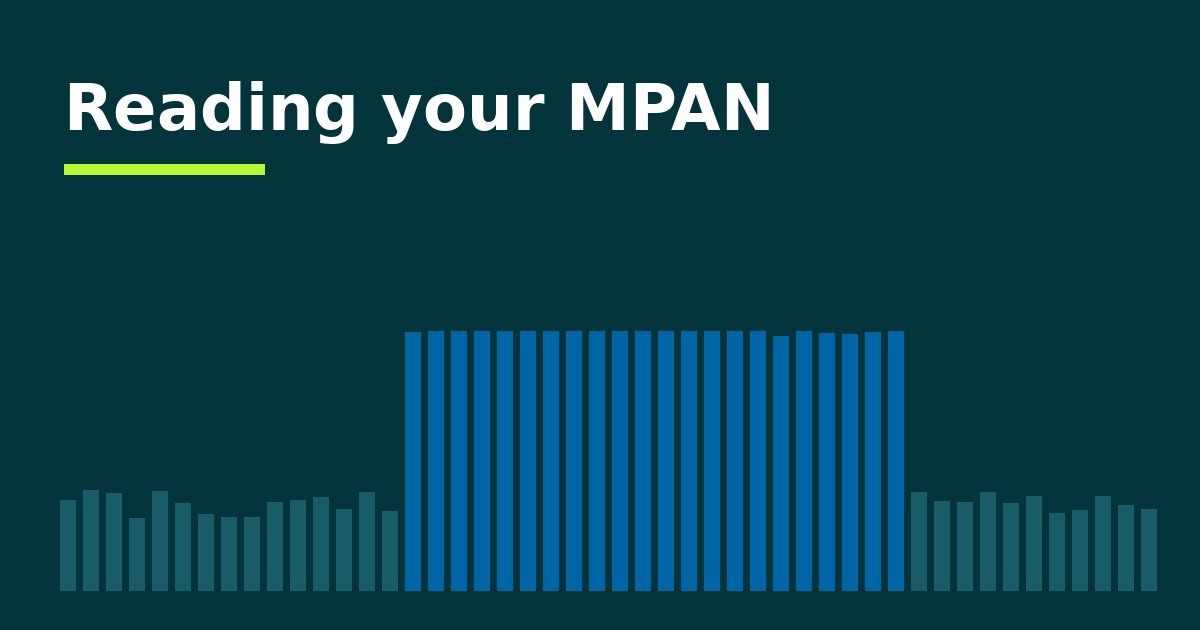
- If your profile class is 00, you're required to have a half-hourly meter. E.ON Next says you can check this in the first two digits of the MPAN on your bill, the top-left box, or on the meter itself.1 (See reading your MPAN: under market-wide half-hourly settlement, 00 is starting to appear on smart meters too.)
- A half-hourly meter also needs a meter operator, a data collector and a data aggregator. E.ON Next offers all three.1
Your data collector has the readings too
E.ON Next explains that the data collector collects your half-hourly data using a remote link, and the data aggregator validates it for billing and settlement. They can be different companies.1 It may also be worth asking your data collector for the readings.
If E.ON is your data collector, E.ON Next says an entry-level version of its visualisation tool, Optimum, is included with the service, with upgrades available.1 Ask whether your version can export half-hourly readings.
Your right to the data
Since 1 December 2022, business customers with a smart or advanced (AMR) meter, and anyone they nominate, can ask their supplier for up to 12 months of their historic smart meter data, free of charge and in a machine-readable format. The supplier must reply within 10 working days, either giving access or explaining why not and what to do next.2
So even if an online portal doesn't give you what you need, you can ask for the file directly.
What to ask for
Ask for the half-hourly consumption data (kWh) for each meter, covering the last 12 months, as an Excel or CSV file. Quote each meter's MPAN, the supply number on your bill. Our guide to getting your data has a wording you can copy and a letter template (Word).
Check that the file has 48 readings for each day. A file of daily or monthly totals can't show the overnight and weekend patterns the analyser looks for.
Guides for other suppliers: British Gas Business, EDF, npower Business Solutions, TotalEnergies Gas & Power.
Sources
Questions people ask
How do I know if I have a half-hourly meter?
E.ON Next says to look at the top-left box of the MPAN on your bill or meter: 00 means a half-hourly meter. As meters move to market-wide half-hourly settlement, smart meters can show 00 as well, so ask your supplier if you're not sure.
What is Optimum?
E.ON's energy visualisation tool. E.ON Next says an entry-level version is included when E.ON is your half-hourly data collector.
Who else holds my half-hourly data?
Your data collector, which collects the readings using a remote link. It may be a different company from your supplier.