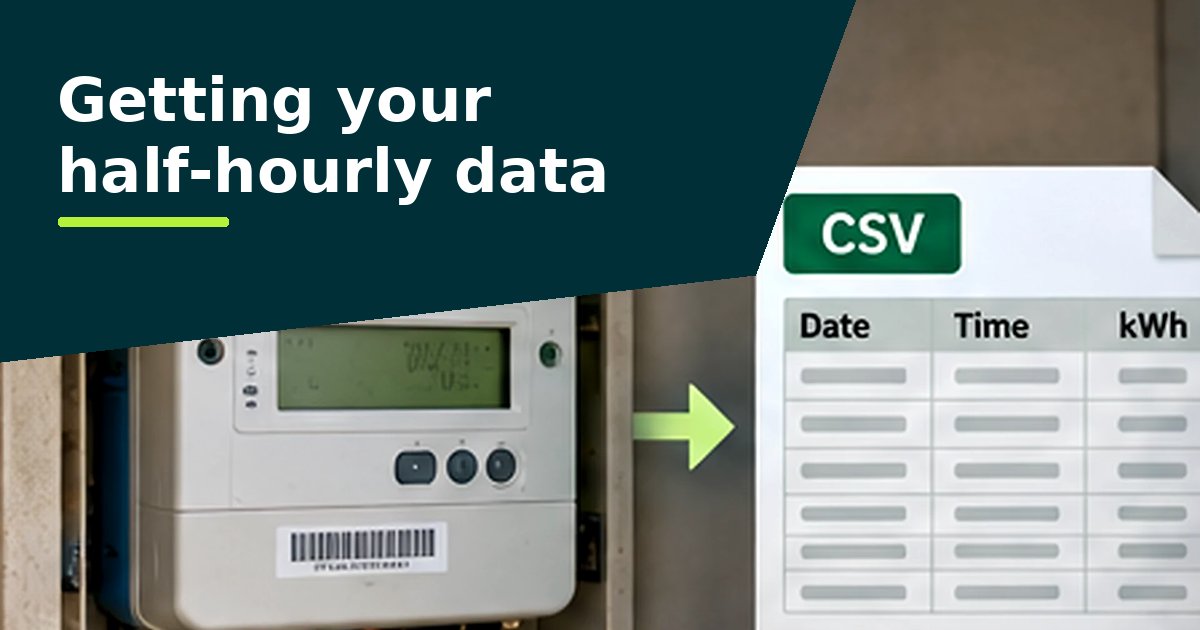
TotalEnergies Gas & Power business customers with a smart or AMR meter can view and download half-hourly data in TotalEnergies Insights, an online portal launched on 1 October 2024, with up to 12 months of history. You get access by completing its Half-Hourly Data Request Form.1
TotalEnergies Insights
TotalEnergies says the portal lets you:1
- view, download and track your consumption, including half-hourly data with graphs
- see a portfolio view if you have more than one site
- receive data daily, for the previous day
- set a consumption tracker and get notifications when use exceeds it
It also notes that portal figures can differ from your bill because of timing, and that the portal data comes "direct from the meter".1
Which meters it covers
TotalEnergies' FAQ says that, for electricity, the portal covers "All AMR & Smart meters which are Non Half-Hourly settled (profile class 1-8)".1 If your site is already settled half-hourly (profile class 00), the page doesn't say how to get its data online, so ask your account manager or use the request route below.
How to get access
TotalEnergies says customers who already use its online services are enrolled automatically, and others should complete the Half-Hourly Data Request Form linked from its half-hourly data page. To give a third party such as a broker access, contact its customer service team.1
Your right to the data
Since 1 December 2022, business customers with a smart or advanced (AMR) meter, and anyone they nominate, can ask their supplier for up to 12 months of their historic smart meter data, free of charge and in a machine-readable format. The supplier must reply within 10 working days, either giving access or explaining why not and what to do next.2
So even if an online portal doesn't give you what you need, you can ask for the file directly.
What to ask for
Ask for the half-hourly consumption data (kWh) for each meter, covering the last 12 months, as an Excel or CSV file. Quote each meter's MPAN, the supply number on your bill. Our guide to getting your data has a wording you can copy and a letter template (Word).
Check that the file has 48 readings for each day. A file of daily or monthly totals can't show the overnight and weekend patterns the analyser looks for.
Guides for other suppliers: British Gas Business, EDF, E.ON Next, npower Business Solutions.
Sources
Questions people ask
Is my half-hourly settled site in TotalEnergies Insights?
TotalEnergies' FAQ says the portal covers electricity meters that are not half-hourly settled (profile classes 1 to 8). For a profile class 00 site, ask your account manager.
Why don't the portal figures match my bill?
TotalEnergies says there are always timing differences between half-hourly data and billed consumption, and that portal data comes direct from the meter.
How much history does TotalEnergies Insights hold?
Up to 12 months, according to TotalEnergies.